Installer
Installs for your account only, so it needs no administrator rights, and keeps itself up to date.
Download the installerFrom the latest release on GitHub.
 Zest
Zest is a free cleaner and optimizer for Windows. It finds what is wasting space and slowing your PC down, shows you every item, and removes only what you approve.
Windows 10 and 11, 64-bit. Open source under Apache 2.0. No ads, no account, no bundled extras.
More than 70 rules for Windows, browsers and apps. Analyze first, tick or untick anything, then clean.
Everything a paid optimizer suite does, in one native program that costs nothing.
.reg file first and can be put back with one click.These are real screens of the app showing sample data.
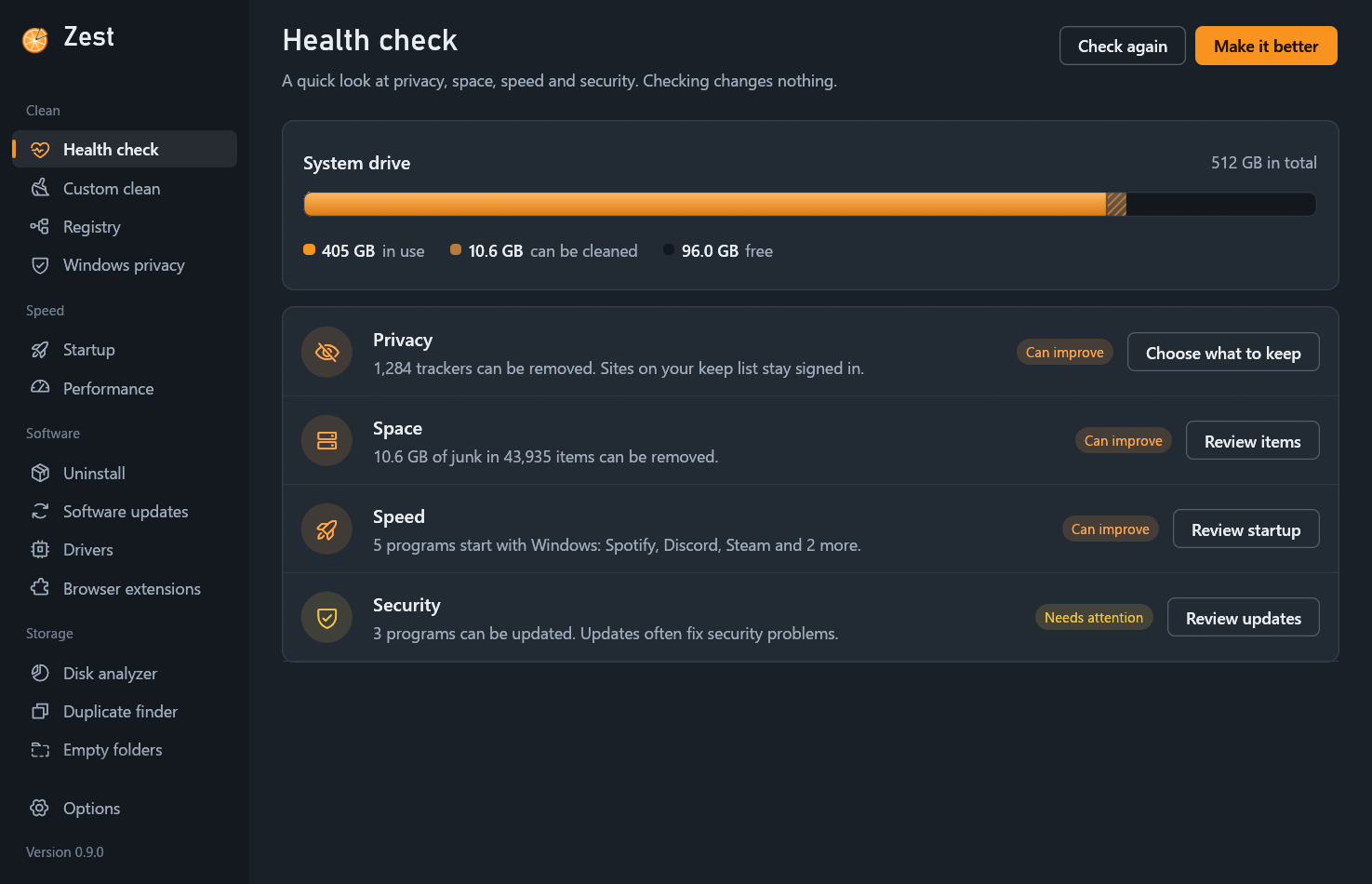
A cleaner deletes things for a living, so nothing here happens behind your back.
Zest reads, counts and measures. Nothing changes on your PC during this step, however often you run it.
Every file and registry entry is listed with its size and location. Untick a rule, a folder or a single item, or exclude it for good.
Windows folders, your documents and anything behind a link or junction are refused outright. Registry changes are exported to a .reg backup before they are made.
Only what you approved is removed. The run is written to a history you can read later, and a registry clean can be reversed from its backup.
Because you can check this one.
Windows 10 (1809 or later) and Windows 11, 64-bit.
Installs for your account only, so it needs no administrator rights, and keeps itself up to date.
Download the installerFrom the latest release on GitHub.
A zip to unpack anywhere, even a USB stick. Settings stay in its own folder.
Download the zipFrom the latest release on GitHub.
With Rust 1.92 or later and the Visual Studio build tools:
git clone https://github.com/SkippyNet/zest
cd zest
cargo build --release
Windows SmartScreen may warn about a new download that is not code-signed yet. Choose More info, then Run anyway, or compare the file with SHA256SUMS.txt from the release first. All releases and checksums. Signing is on its way: see the code signing policy.
Who may sign Zest, and what a signature will mean.